
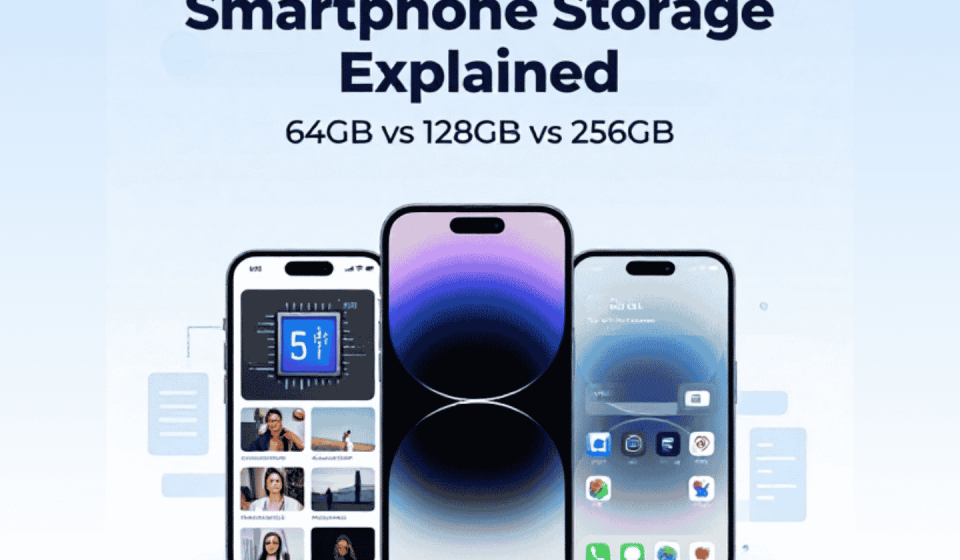

Smartphone Storage Explained: 64GB vs 128GB vs 256GB
When buying a new smartphone, storage is one of the specifications you should check carefully. Many phones come with 64GB, 128GB, or 256GB of internal storage. At first, these numbers may look like simple differences, but they can affect how many apps, photos, videos, and files you can keep on your device.
So, how much storage do you actually need? Understanding smartphone storage can help you choose a phone that matches your daily activities without spending extra money on space you may not use.
What Is Smartphone Storage?
Smartphone storage is the internal space where your phone saves apps, photos, videos, documents, downloads, and system files.
Unlike RAM, which helps manage active tasks, storage keeps your data even when the phone is switched off.
However, the full advertised storage is not always available for personal use. The operating system, pre-installed apps, and system data already occupy some space.
64GB vs 128GB vs 256GB: What Is the Difference?
Different storage sizes are designed for different types of users. Here is what each option can offer.
64GB Storage: For Basic Smartphone Use
A smartphone with 64GB storage may be enough for people who mainly use their phones for calling, messaging, light browsing, and a limited number of apps.
It can work for basic daily activities, but space may become limited if you regularly download large games, save many videos, or take lots of photos.
You may also need to manage your files more frequently.
128GB Storage: A Balanced Everyday Choice
For many everyday users, 128GB offers a practical balance.
It provides more room for apps, photos, videos, music, and documents without immediately requiring frequent storage cleanup.
This option can be suitable for students, regular social media users, and people who use several apps throughout the day.
256GB Storage: For Heavy Users
If you regularly record videos, download large games, take many photos, or keep important files on your phone, 256GB can be a more comfortable option.
It provides additional space and reduces the need to remove older files frequently.
However, if you mostly use basic apps and online services, you may not need this much storage.
What Takes Up the Most Phone Storage?
Sometimes, smartphone storage fills up faster than expected. Several types of files can use a large amount of space.
- Photos and Videos: High-resolution images and long videos can occupy considerable storage.
- Games: Modern mobile games may require large downloads and additional update files.
- Apps: Some applications store extra data, images, and temporary files.
- Downloads: Documents, music, and downloaded videos can gradually use more space.
- System Files: Your phone needs storage for its operating system and updates.
Checking your storage settings regularly can help you understand where your available space is going.
RAM vs Storage: What Is the Difference?
RAM and storage perform different jobs, even though both are important smartphone specifications.
RAM (Random Access Memory) helps your phone manage apps and tasks that are currently running.
Storage keeps your installed apps, photos, videos, documents, and other files.
For example, a phone with 8GB RAM and 128GB storage has 8GB of working memory and 128GB of internal storage.
More RAM does not automatically provide more storage, and more storage does not automatically make a phone faster.
How to Manage Smartphone Storage
Even if you have a phone with limited storage, a few simple habits can help you use the available space more efficiently.
- Remove apps you no longer use.
- Delete unnecessary downloaded files.
- Review large videos and duplicate photos.
- Clear app caches when appropriate.
- Move supported files to a computer or external storage.
- Use a trusted cloud storage service for files you want to keep online.
Before deleting anything, make sure important photos, documents, and other files are backed up.
Will Cloud Storage Replace Internal Storage?
This is where you store your files on an online server rather than saving it all on your phone. It can help you back-up your photos, documents and other important data. If you have a file that is compatible then you can view it using your internet connection.
Cloud storage will not fully replace your internal storage. As you need storage on your phone for your operating system, apps and files that you want to view offline.
Which Smartphone Storage Size Should You Choose?
The right option depends on how you use your phone.
- 64GB: Suitable for basic use with fewer apps and files.
- 128GB: A balanced choice for everyday activities.
- 256GB: Better for large games, frequent video recording, and keeping many files.
Before buying, also check whether the smartphone supports a microSD card. Some models offer expandable storage, while others rely entirely on internal storage.
Final Thoughts
Understanding how much storage space a smartphone has will help you compare different models and find the best one. 64gb is fine for basic usage. 128gb is often the perfect middle ground for many users, but if you store lots of content then having 256gb will give you more flexibility.
Don’t just look at how much storage the phone has, think about what apps, photos, videos, games and budget you have. Having a smartphone with enough storage will make using your phone far more convenient.